An audio interface is not simply a “better sound card.” It is the point where microphones, instruments, headphones, speakers and recording software meet. That makes the right buying question surprisingly practical: how many sources must you record at once, and how many people need to hear a useful monitor mix?
Once those two numbers are clear, most intimidating specifications fall into place. This guide explains the signal path from input to output, the difference between mic, instrument and line connections, how direct monitoring changes a session, and which extras are worth paying for.
Quick answer: A solo vocalist, guitarist or podcaster can often work comfortably with two inputs, one headphone output and one pair of monitor outputs. Hardware-heavy producers need more line inputs and MIDI. Bands and multi-mic sessions need enough preamps for every simultaneous microphone—not merely a large number printed in the product name.
What an audio interface actually does
A microphone or instrument produces an analog electrical signal. Your recording software works with digital audio. The interface converts the incoming analog signal into digital data for the computer, then converts digital playback back into analog audio for headphones and speakers.
That round trip includes more than conversion. The interface may also provide microphone preamps, phantom power, instrument inputs, output level controls, headphone amplification, MIDI connections and low-latency monitoring. It is therefore both a converter and the control center for a modest studio.
| Stage | What happens | What you control |
|---|---|---|
| Source | A voice, instrument or hardware device creates a signal | Performance, microphone choice, pickup or device output |
| Input | The interface accepts mic-, instrument- or line-level audio | Correct input type, gain and phantom power when required |
| Conversion | Analog audio becomes digital data | Sample rate, bit depth and driver settings |
| Software | The DAW records, processes and plays the audio | Tracks, plug-ins, routing and buffer size |
| Monitoring | Digital audio returns to headphones or speakers | Monitor level, headphone mix and direct/software monitoring |
Inputs: count simultaneous sources, not connector labels
A compact “2-in/2-out” interface is designed around two simultaneous input paths and two main output channels. Combo sockets can accept an XLR microphone cable or a quarter-inch plug, but one combo socket is still one channel. You cannot record an XLR microphone and a guitar through the same socket at the same time.
List the sources in your busiest realistic session. A singer-songwriter recording voice and guitar needs two inputs. A stereo keyboard also uses two. A podcast with four local guests needs four microphone preamps. A drum kit may require many more, depending on the microphone plan. This exercise prevents both under-buying and paying for channels that will remain empty.
Mic level, instrument level and line level
These labels describe different signal types. A microphone normally feeds a mic preamp through XLR. A passive electric guitar or bass usually wants a high-impedance instrument input, often marked Inst or Hi-Z. Synthesizers, drum machines, external preamps and mixers commonly send line-level signals.
Many combo inputs switch between these modes with a front-panel button or control software. The socket may look universal, but the selected mode still matters. Feeding a guitar into line mode can sound weak or dull; sending a strong line output into an instrument input can overload the circuit sooner than expected.
Microphone preamps, gain and headroom
Microphone signals are small, so a preamp raises them to a useful level before conversion. Set gain for the loudest part of the performance, not the quiet rehearsal phrase. A healthy average level with room for peaks is safer than chasing a meter that sits near zero. Digital clipping is not a desirable form of “warmth”; once the converter overloads, the damaged peak cannot be repaired later.
Also separate gain from volume. Input gain changes the level being recorded. The monitor and headphone knobs change what you hear. Turning the headphones up does not improve a quiet recording, and raising input gain does not solve a performer’s overly quiet headphone mix.
When 48-volt phantom power is needed
Condenser microphones and some active devices require power through the XLR cable. Focusrite and Shure both explain that 48-volt phantom power supplies that electricity for compatible microphones and equipment. Ordinary passive dynamic microphones generally do not need it.
Connect the microphone with levels down, confirm its requirements, then enable 48V only where needed. Some compact interfaces switch phantom power for a pair of inputs rather than one channel at a time. That is not automatically a problem with modern balanced microphones, but the manual for every connected device remains the authority—especially for vintage or specialty ribbon microphones.
Outputs: plan speakers and headphone mixes
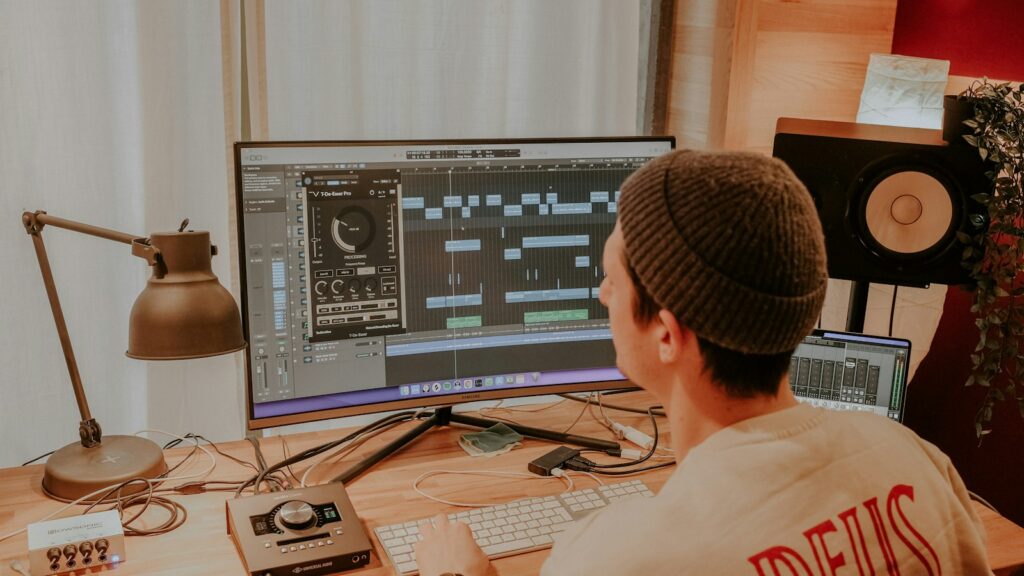
The main left and right line outputs feed powered studio monitors or an amplifier. A separate headphone socket may carry the same mix, but “separate socket” does not always mean “independent mix.” If two performers need different balances—more vocal for one, more backing track for another—look for independent headphone routing or enough spare outputs to feed a headphone amplifier.
Extra line outputs are useful for a second monitor pair, outboard processing, reamping or live backing-track routing. They offer little value if the studio will always use one pair of speakers and one set of headphones. Count destinations just as carefully as sources.
If headphone choice is the immediate problem, PCMusicMax’s open-back versus closed-back studio headphone guide explains why closed-back designs are usually easier for tracking while open-back models can be more comfortable for editing and some mixing work.
Direct monitoring versus software monitoring
Latency is the delay between making a sound and hearing it return. In software monitoring, the signal enters the interface, reaches the computer, passes through the DAW and plug-ins, and returns to the outputs. Buffering gives the computer time to process audio, but it also adds delay.
Ableton’s support documentation explains the central tradeoff: a larger buffer increases latency, while a buffer set too low can cause crackles, pops or dropouts when the system cannot process audio in time. Driver quality, project complexity and the interface itself also affect the result.
Direct monitoring takes a different path. Focusrite describes it as sending the input directly to the interface’s headphone or line outputs while still sending the signal to the DAW for recording. That near-zero-latency path is excellent for a dry vocal, guitar or podcast feed.
| Monitoring method | Best use | Main limitation |
|---|---|---|
| Direct monitoring | Comfortable, immediate tracking of dry inputs | May not include DAW effects unless the interface has onboard processing |
| Software monitoring | Hearing amp simulations, reverb or other plug-ins while performing | Depends on a stable low-latency buffer and efficient session |
| Hardware mixer/control app | Multiple cue mixes and flexible routing | More setup complexity; capabilities vary by model |
A common mistake is monitoring the same input both directly and through the DAW. The performer then hears an immediate signal plus a slightly delayed copy. If the voice sounds doubled or phasey, check whether both paths are active.
Sample rate and bit depth: important, but not the first filter
Sample rate is how often the analog waveform is measured each second. Bit depth affects the available digital level resolution and recording headroom. Modern interfaces routinely support professional working formats, so maximum headline numbers should not outrank stable drivers, sufficient I/O or usable monitoring.
More is not free. Higher sample rates create more data, require more storage and increase processing demand. They can also reduce the number of available digital channels on some expansion formats. For a typical music or podcast workflow, choose a rate appropriate to the project and keep the interface, operating system and DAW aligned.
Apple’s Audio MIDI Setup guidance specifically says to set sample rate and bit depth to values appropriate for the selected device, and its aggregate-device instructions recommend matching sample rates to minimize resampling. Mismatched settings are a troubleshooting target when playback runs at the wrong speed or a device refuses to cooperate.
Drivers and computer connection matter more than marketing speed
USB-C describes a connector shape, not a guarantee of lower recording latency or more channels. A USB-C interface may use USB 2 data rates; a well-supported USB-A model may perform perfectly. Thunderbolt can serve larger systems, but the computer, cable, operating system and interface must all support the same standard.
Before buying, verify current driver and control-software support for your exact operating system and processor. Class-compliant operation can simplify use with tablets and some computers, but it may not expose every routing feature. Windows users should confirm a maintained native ASIO driver when low-latency DAW work is the goal.
The overlooked practical checks are equally important: Is the needed cable included? Does the interface require external power or draw power from the computer? Can a phone or tablet power it reliably? Are the ports accessible on the desk? Compatibility is a complete signal chain, not a logo on the box.
MIDI, ADAT, S/PDIF and expansion
Five-pin MIDI carries performance and timing data, not audio. It is useful for hardware synthesizers, drum machines and controllers that do not rely entirely on USB. An interface without MIDI audio ports can still record a synthesizer’s sound through its line inputs; MIDI is the separate control connection.
ADAT optical and S/PDIF are digital-audio connections. ADAT is often used to add an external bank of microphone preamps and converters. S/PDIF can connect compatible stereo digital hardware. Expansion is valuable when growth is planned, but the devices must share a clock and compatible sample-rate/channel configuration. Buying an optical port “just in case” is not a substitute for understanding the future system.
Three realistic interface setups
Solo vocalist, guitarist or podcaster
Start with two combo inputs, at least one instrument mode, 48V phantom power, direct monitoring, one headphone output and one pair of monitor outputs. Two channels allow voice plus guitar, two podcast microphones, or a stereo keyboard. If only one source is ever recorded, the second channel still provides useful flexibility.
Producer with synthesizers and drum machines
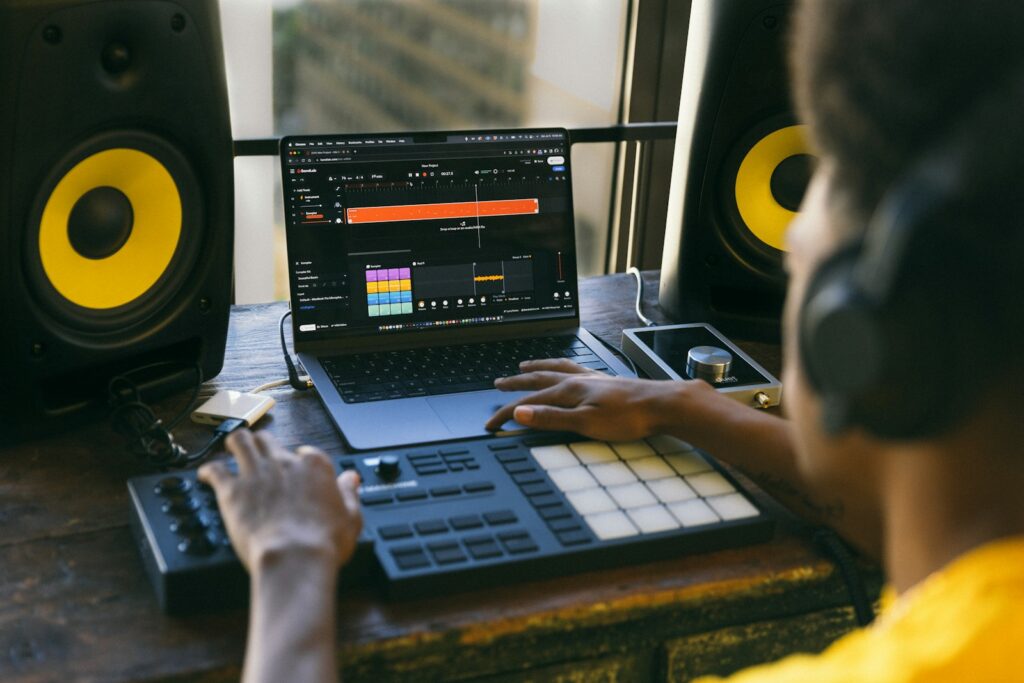
Prioritize line inputs, MIDI if the hardware needs it, and monitor routing. A two-input interface quickly becomes a cable-swapping exercise when several stereo instruments are involved. Four, six or eight line inputs can keep a creative setup connected without forcing every device through a separate mixer.
Band, drum kit or multi-person session
Count microphone preamps, not total advertised inputs. An “18-input” interface may reach that number only after digital expansion and may provide far fewer analog preamps in the box. Confirm how many XLR microphones can be recorded simultaneously, whether phantom power is grouped, and how performers will receive headphone mixes.
A buying checklist that prevents the common mistakes
- Simultaneous inputs: Count the sources used in the busiest normal session.
- Input types: Confirm enough mic preamps, Hi-Z instrument modes and line inputs.
- Outputs: Count monitor pairs, headphone mixes and any outboard routes.
- Monitoring: Decide whether simple direct monitoring is enough or flexible cue mixing is required.
- Computer support: Verify the connection, operating-system support and driver history.
- Power: Check bus power, external supply needs and mobile-device compatibility.
- Expansion: Pay for ADAT, S/PDIF or MIDI only when the workflow has a credible use.
- Controls: Make sure the gain, monitor and headphone functions you use most are easy to reach.
For the rest of the workflow, visit PCMusicMax’s creator resources. If the session will be released, the guide to following producer credits across songs and albums explains how to preserve and verify the people behind the recording.
PCMusicMax may earn a commission from eligible purchases, at no added cost to you.
Building a practical recording chain? Browse the owned GearReady Home Studio Gear collection, then check every interface against the source, output and computer checklist above.
Frequently asked questions
Do I need an audio interface to record music?
Not always. A USB microphone, phone or computer input can record audio directly. An interface becomes useful when you need conventional XLR microphones, instrument inputs, studio monitors, lower-latency monitoring or several sources at once.
Is a two-input interface enough for stereo?
Yes, if both inputs can operate simultaneously in the required mode. A stereo keyboard, stereo effects unit or two-microphone technique uses two channels, leaving no spare input for another source during that take.
Does 48V phantom power improve every microphone?
No. It powers compatible condenser microphones and certain active devices; it is not an audio enhancement switch. Use it only when the connected equipment requires it, following the manufacturer’s instructions.
Why do I hear a delay in my headphones?
You are probably hearing software-monitoring latency. Try the interface’s direct-monitor function for a dry signal, or reduce the DAW buffer until the system remains stable. Disable one path if both direct and software monitoring are producing a doubled sound.
Will a more expensive interface make my recordings professional?
It can improve routing, conversion, preamp performance or driver stability, but it cannot replace microphone placement, room control, performance and gain discipline. The most useful interface is the one that fits the session and stays out of the way.
Should I buy extra inputs for future growth?
Buy modest headroom when there is a believable next step—such as adding a stereo synthesizer or a second performer. Do not pay for a large expansion system based only on a vague possibility. A clear 12-to-24-month workflow is a better forecast.
Sources and methodology
This guide uses manufacturer and platform documentation for electrical power, monitoring, latency and device-configuration claims, then translates those facts into workflow decisions rather than ranking specific products.
- Focusrite Support — What is direct monitoring? (updated September 17, 2026)
- Focusrite Support — What is 48V phantom power? (updated July 11, 2026)
- Ableton Support — How to reduce latency
- Ableton Support — How to avoid crackles and audio dropouts
- Apple Support — Set up audio devices in Audio MIDI Setup
- Shure — What is phantom power and why is it needed?