Samplers, grooveboxes and drum machines overlap, but they do not organize a beatmaking session the same way. A modern box may sample audio, sequence drums, host synth engines, control external MIDI gear and arrange a full song. The useful question is not which label wins. It is which part of the workflow you want the hardware to own.
Choose by the first five minutes of a session, the kind of decisions you want under your fingers, and how the box must exchange audio and MIDI with the rest of your setup. This guide separates the categories without pretending their borders are rigid.
Quick answer: choose by the job you want hardware to own
| Start of your session | Best starting category | Why |
|---|---|---|
| You find or record sound, then chop it | Sampler | Audio capture, trimming, slicing, pitching and pad mapping are central |
| You build kick, snare, hat and percussion patterns first | Drum machine | Rhythm programming and fast pattern variation are first-class |
| You want drums, bass, chords and arrangement in one box | Groovebox | Multiple tracks and song construction matter more than one specialized task |
| You already finish in a DAW | The most focused missing tool | Hardware should remove friction rather than duplicate software you already like |
Sampler: recorded audio is the instrument
A sampler records or loads audio and turns it into playable material. The source can be a single drum hit, a vocal phrase, a field recording, an instrument note or a longer musical passage. Core operations usually include setting start and end points, slicing, looping, pitching, filtering, shaping envelopes and assigning sounds to pads or keys.
The deciding factor is not simply whether a device can import WAV files. Ask whether sample editing is fast enough to become the center of the session. A dedicated sampler should let you move from source audio to a playable program without fighting menus. If chopping and recontextualizing recordings is your musical language, that directness matters more than the number of built-in synth presets.
Modern MPC systems illustrate how the term can expand. They combine sampling with sequencing, instruments, effects and arrangement. That does not erase the sampler identity; it shows how a sampler can grow into a broader production center.
Drum machine: rhythm comes first
A drum machine is organized around percussion. It may synthesize drum sounds, play samples or combine both. Its identity comes from the speed of making and manipulating patterns: step entry, real-time pad recording, accents, probability, rolls, mutes, fills and pattern chains.
A focused drum machine can be the right choice when you want immediate rhythm without loading an entire workstation. Roland’s TR-8S product documentation, for example, describes a rhythm-focused instrument that combines modeled drum machines with sample support. Sample import does not automatically turn a rhythm-first interface into a general-purpose sampler.
Listen to the workflow as much as the sounds. Can you create variations without stopping? Are mutes, motion recording and pattern changes accessible during performance? A deep sound engine is less valuable if basic rhythmic changes feel slow.
Groovebox: a self-contained song-building environment
A groovebox is designed to keep several production stages in one hardware environment. Roland describes the MC-707 as a device for creating songs or performing live without a computer, with multiple tracks, sequencing, synthesis, sampling, effects and performance controls. That broad, track-based structure is the category’s clearest signal.
The tradeoff is breadth versus specialization. A groovebox may sketch drums, bass, chords and samples quickly, but a dedicated sampler may provide more deliberate sample editing and a focused drum machine may make rhythmic variation more immediate. You are buying a connected environment, not necessarily the deepest version of every component.
Novation’s official Circuit comparison shows why model-level details matter: Circuit Tracks emphasizes synth, drum and MIDI tracks, while Circuit Rhythm emphasizes eight sample tracks and direct sample recording. Both live in the groovebox/sampler neighborhood, but their starting points differ.
The categories overlap on purpose
Manufacturers combine functions because musicians combine tasks. Roland has used the phrase “sampling groovebox” for the MC-909. MPCs pair sampling with sequencing and arrangement. Current drum machines often accept user samples. A product name therefore tells you less than the priority of its interface.
- Sampler-first: capture, edit and map audio before building the rest of the beat.
- Rhythm-first: create patterns, variations and performance changes before worrying about full arrangement.
- Song-first: develop several instrument roles and a structure inside one box.
When a device spans categories, identify what is first-class, what is merely possible, and what requires computer software.
Compare the workflow, not the marketing label
| Decision | Sampler-first | Drum-machine-first | Groovebox-first |
|---|---|---|---|
| Primary raw material | Recorded or imported audio | Drum voices and percussion samples | Several tracks: drums, synths, samples and MIDI |
| Typical first action | Record, load or slice a sound | Program a pattern | Create a multi-track loop or scene |
| Main strength | Transforming audio | Immediate rhythm and performance | Integrated sketching and arrangement |
| Common compromise | May need external instruments | Limited melodic or arrangement depth | More menus and less depth per function |
The first-five-minutes test
Before comparing specifications, imagine a blank session. If you naturally reach for a record, microphone or folder of sounds, begin with a sampler. If your hands go to kick, snare and hi-hat, begin with a drum machine. If you want to establish drums, bass and chords together, begin with a groovebox.
This test exposes a mismatch that feature lists hide. A producer can admire a powerful groovebox yet still abandon it if sample trimming feels slow. Another can own a celebrated sampler but miss having enough melodic tracks to finish ideas away from a computer.
Sequencing matters as much as the sound engine
Two boxes can play the same samples and still produce different habits. Step sequencers encourage pattern thinking. Pad-based real-time recording encourages performance. Piano-roll editors favor detailed placement. Tracker-style or probability-based systems invite other kinds of variation.
Check pattern length, time signatures, microtiming, swing, automation, probability, track muting and how patterns become a song. Also check whether the sequencer controls external MIDI gear cleanly. Workflow friction compounds: a logical sequencer invites experiments, while a technically powerful one you dislike becomes expensive shelf space.
Sampling depth: ask what happens after audio enters the box
“Supports samples” can mean anything from triggering one-shots to building detailed multisampled instruments. Verify whether the device can record directly, resample its own output, slice transients, time-stretch, pitch independently of tempo, create keygroups, layer velocity zones and edit envelopes or filters.
Storage and file transfer matter too. Ask how projects, samples and backups move between the device and a computer. If the workflow depends on a companion app, confirm that the app supports your operating system and that you are comfortable making it part of the instrument.
Standalone does not mean isolated
A standalone box can be valuable for portable sketching, live performance and fewer on-screen distractions. It still needs a plan for finishing, backup and collaboration. Check audio outputs, USB audio, MIDI, clock sync, project export and whether individual tracks or stems can reach your DAW without a tedious recording pass.
A computer-connected controller can be the better instrument when your samples, plugins and arrangement already live in software. Hardware authenticity is not the goal; reducing the steps between an idea and a usable take is.
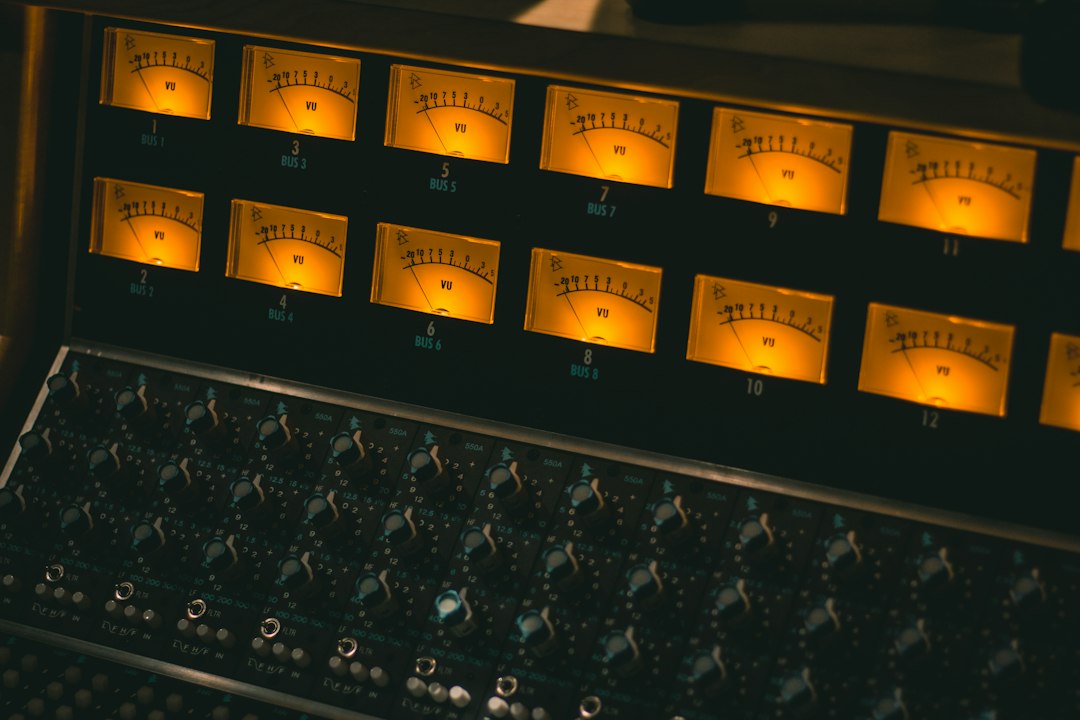
Audio and MIDI connections that change the answer
Count the connections your real setup requires. A stereo output may be enough for sketching, but separate outputs can help live mixing or multitrack recording. Audio inputs matter for sampling external sources. MIDI DIN, USB MIDI and clock options determine whether the box can lead or follow other gear.
- Will you sample a turntable, microphone, phone or synth, and does that source need a preamp?
- Do you need balanced outputs, headphone cueing or separate drum outs?
- Will the box sequence external synths?
- Can it send and receive MIDI clock without unstable workarounds?
- Can you export stems or projects in a form your DAW can use?
Performance workflow versus arrangement workflow
Some hardware excels at turning patterns into a live set but makes detailed song arrangement awkward. Other systems provide linear tracks, scenes, song modes or clip launching that translate more easily into a finished structure. Decide whether the device must perform ideas, finish songs, or do both.
For live use, test mute behavior, pattern transitions, effect tails, project loading and recovery after a mistake. For studio use, test naming, saving, backups, track export and recall. The glamorous part is making the loop; the durable part is finding it again and finishing it.
Buying checklist: what to test before you commit
- Build a beat from an empty project, not a factory demo.
- Load or record one sample and edit its start, end, pitch and envelope.
- Create two pattern variations and switch between them.
- Record a melodic part or sequence an external instrument.
- Arrange at least 90 seconds of music.
- Save, reopen and export the project.
- Confirm the current manual, firmware and desktop software support your setup.
If you cannot test in person, watch an uncut workflow demonstration from a current, official source and follow the manual for the exact model and firmware. A short feature montage is not evidence that routine editing will feel fast.
Budget for the whole system
The box may need an SD card, stand, case, cables, audio interface, turntable preamp, headphones or powered USB hub. A lower-priced unit that requires several accessories can cost more than a better-connected alternative.
Disclosure: Shopping links may support PCMusicMax at no extra cost to you.
Owned-store option first: explore Home Studio Gear at GearReady for the supporting cables, monitoring and workspace pieces around a hardware setup.
If sample-focused hardware is the missing piece, browse audio samplers on Amazon. Compare the exact model’s manual and I/O rather than relying on marketplace category labels.
How this connects to sample history
Sampling hardware changed more than studio ergonomics. It changed which fragments could become musical building blocks and how producers could repeat, pitch and rearrange them. The Amen Break is a useful case study in how recorded material travels across hip-hop, jungle and drum & bass.
For the language around reuse, pair this guide with Sample vs. Interpolation vs. Cover vs. Remix. The creative workflow and the legal status of a recording are related, but they are not the same question.
Frequently asked questions
Can a groovebox replace a sampler?
Sometimes. If its recording, slicing, pitching and sample-management tools match your needs, it can. A sampler-first device may still be faster or deeper when audio transformation is the center of your music.
Is an MPC a sampler, drum machine or groovebox?
Modern MPC systems span all three descriptions. The sampler and pad-sequencing lineage remains central, while current models also support instruments, effects and full arrangements. Evaluate the actual model rather than forcing one label.
Do drum machines use samples?
Many do, while others synthesize drum voices, and some combine both. Sample support does not by itself define the workflow; the question is whether rhythm programming remains the device’s primary design.
Do I need a computer with a groovebox?
Not necessarily for making music, but you may still use a computer for backups, sample transfer, firmware, detailed editing, collaboration or final mixing. Confirm which tasks truly work standalone.
What matters more: sound quality or workflow?
Both matter, but modern boxes often sound capable enough that workflow decides which one you use. Judge converters and engines in context, then test how quickly you can turn a blank project into a structured idea.
Which category is best for a beginner?
The category that matches the beginner’s starting instinct. Sample-led producers learn faster on a clear sampler; rhythm-led producers may prefer a drum machine; people who want complete sketches may learn more from a groovebox.
Sources and current product documentation
- Roland — MC-707 Groovebox product overview and specifications
- Roland — MC-707 official video manual
- Roland — MC-909 Sampling Groovebox support documents
- Roland — TR-8S Rhythm Performer product overview
- Novation — official Circuit Tracks and Circuit Rhythm comparison
Editorial note: Product features and firmware can change. Verify the current manual for the exact model before buying. NO_VIDEO_EDITORIAL_FIT: no third-party clip was embedded because the official documentation is the more durable reference for this workflow guide.